
Ügyfélszolgálat
Hogyan segíthetünk Önnek?
If you need assistance, we are also ready to help via email or phone.
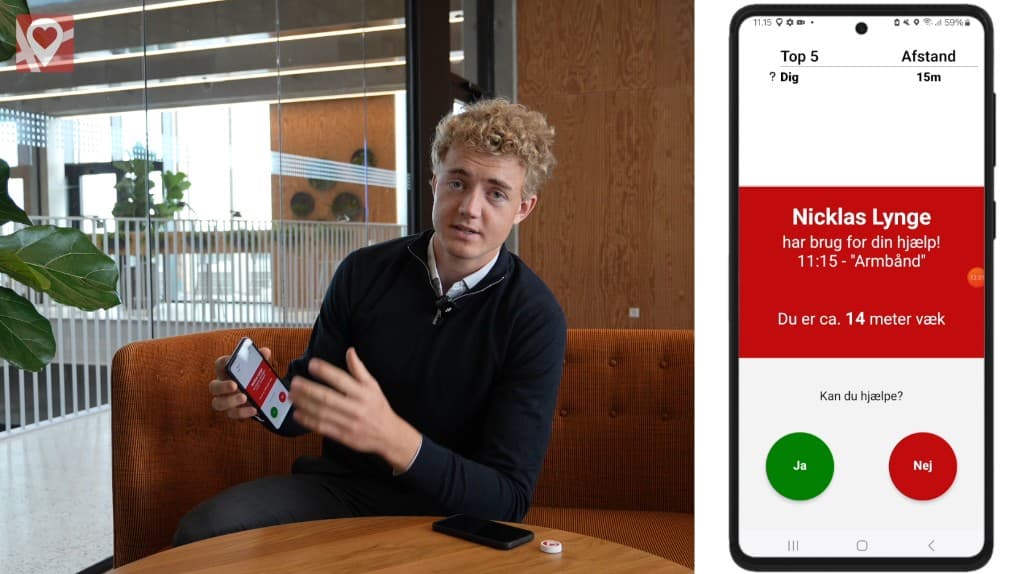
How to Set Up the App
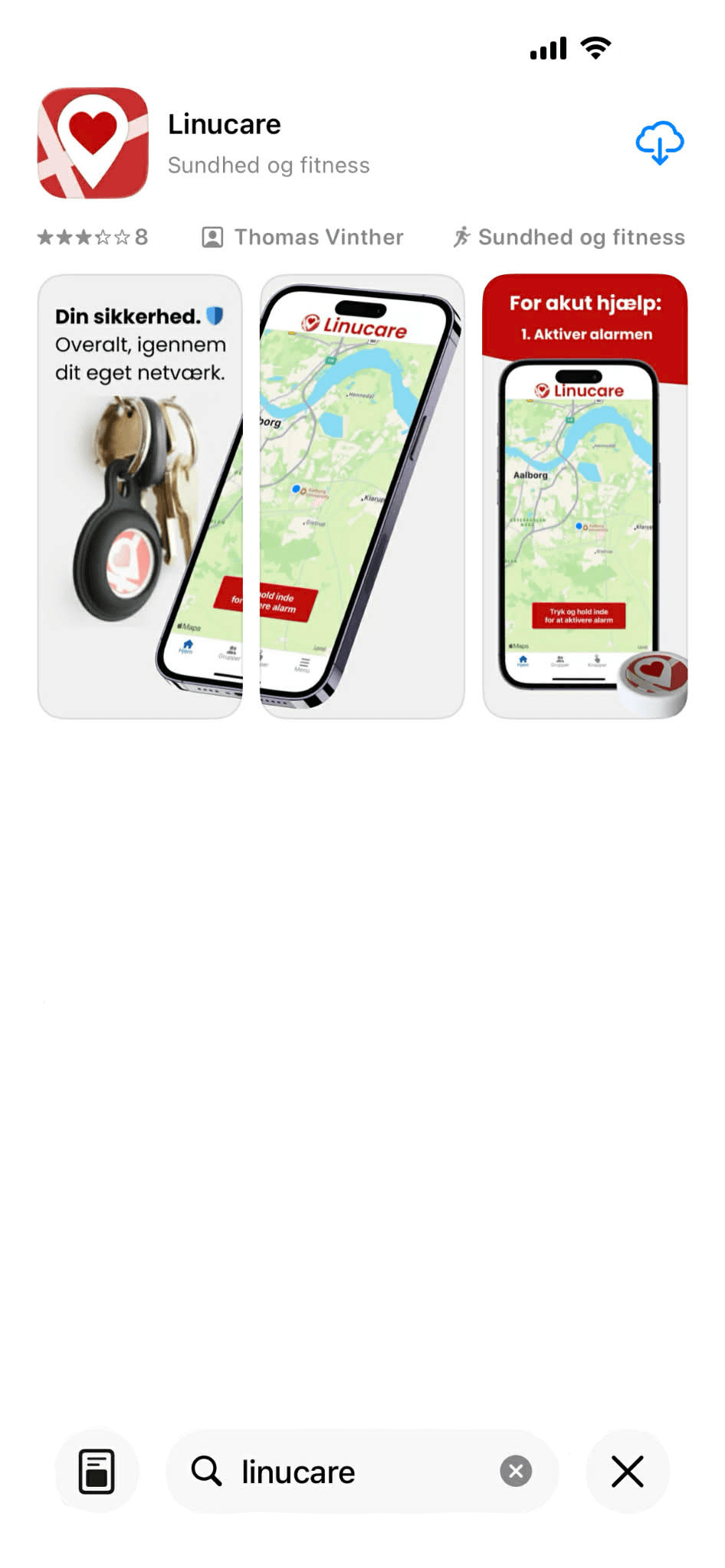
Install the App
App Store or Google Play
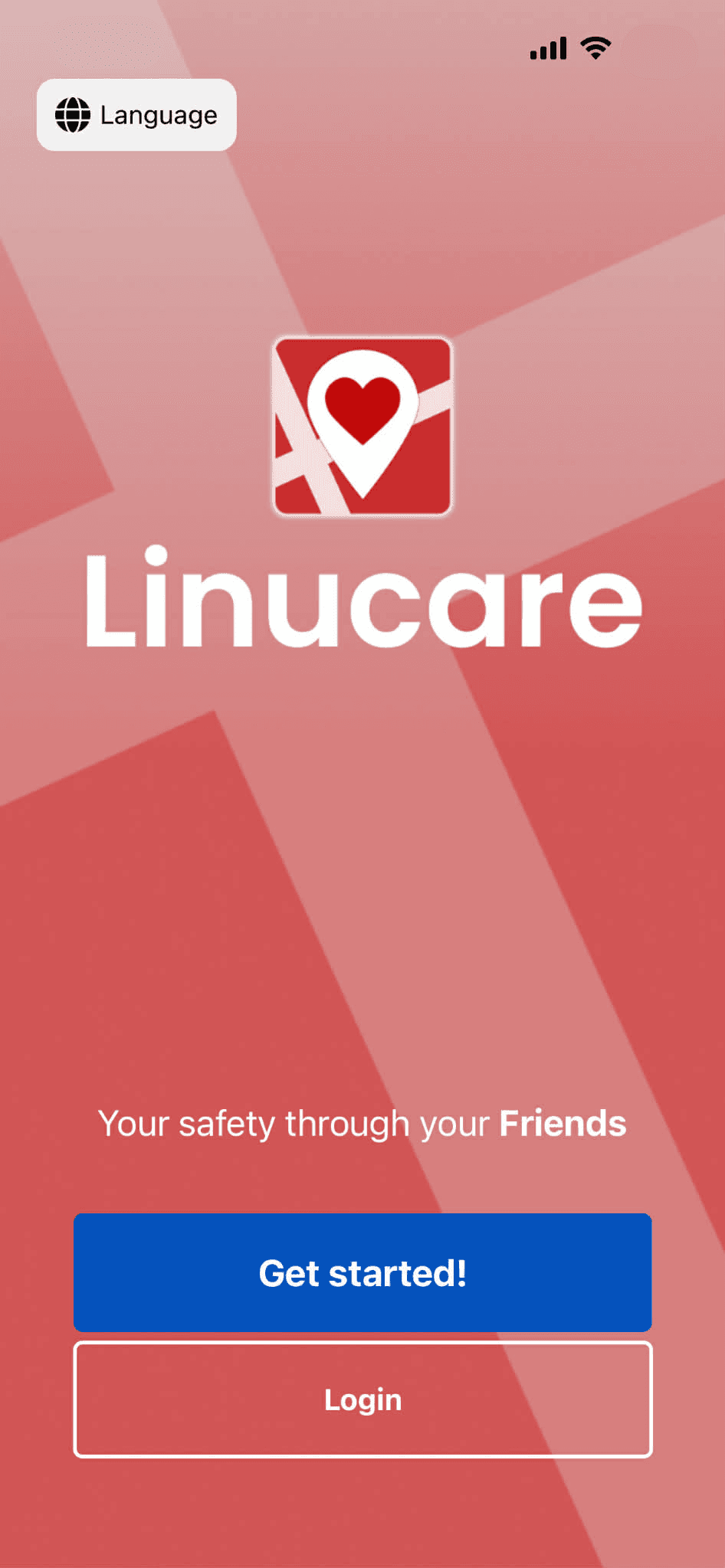
Set Up Your Account
Tap Get started to create an account.
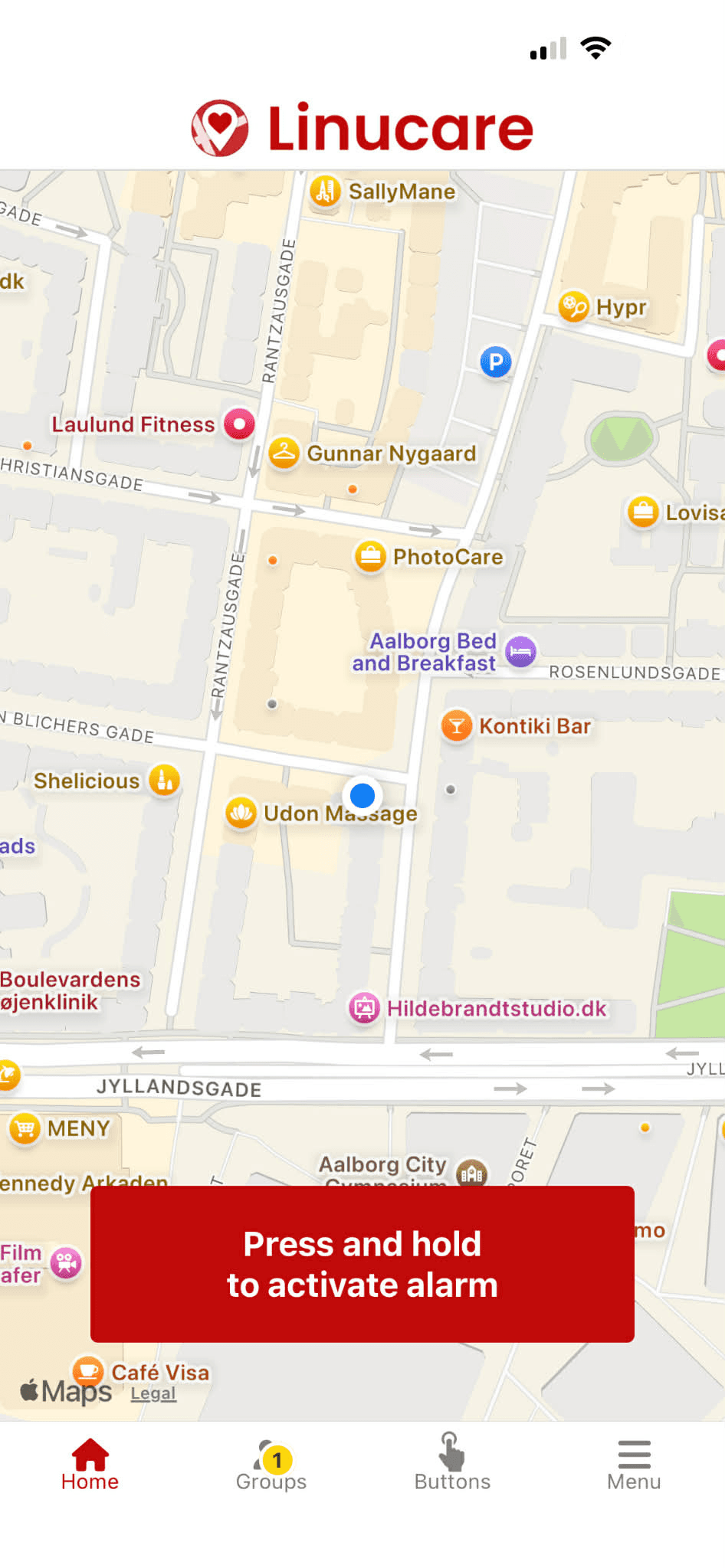
You're In
Ready to use Linucare
How to Connect with Your Network
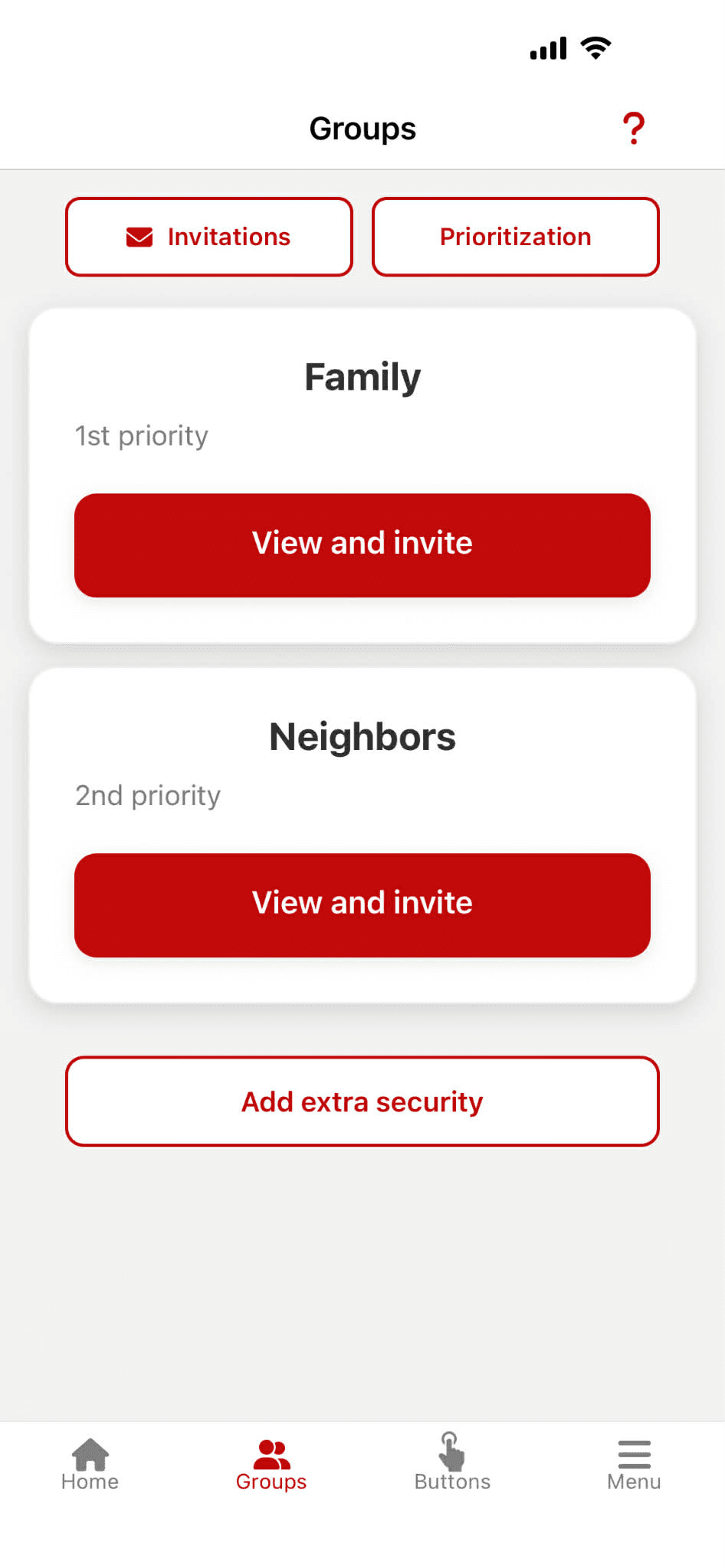
Tap "Groups"
Find groups in the menu
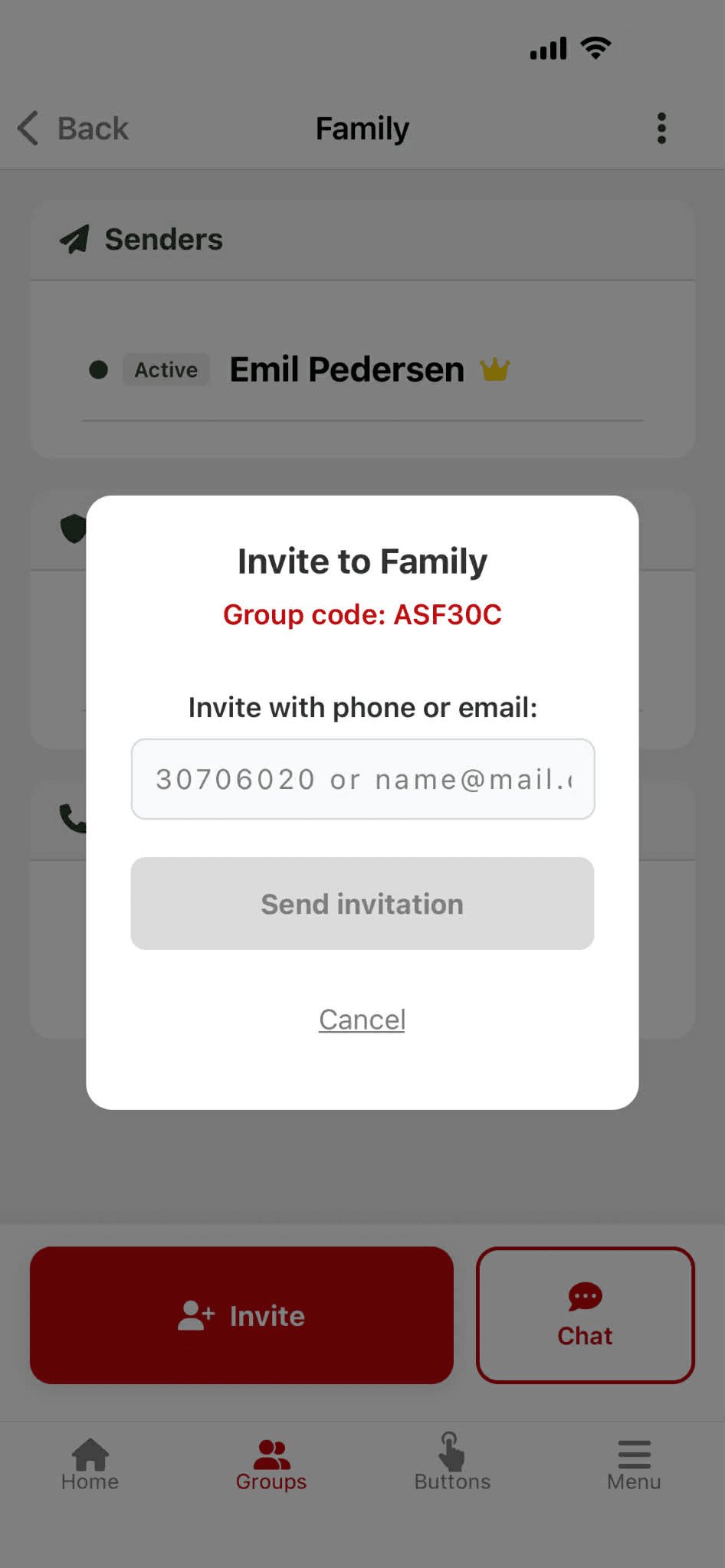
Tap "View and invite"
Send an invitation via email or phone
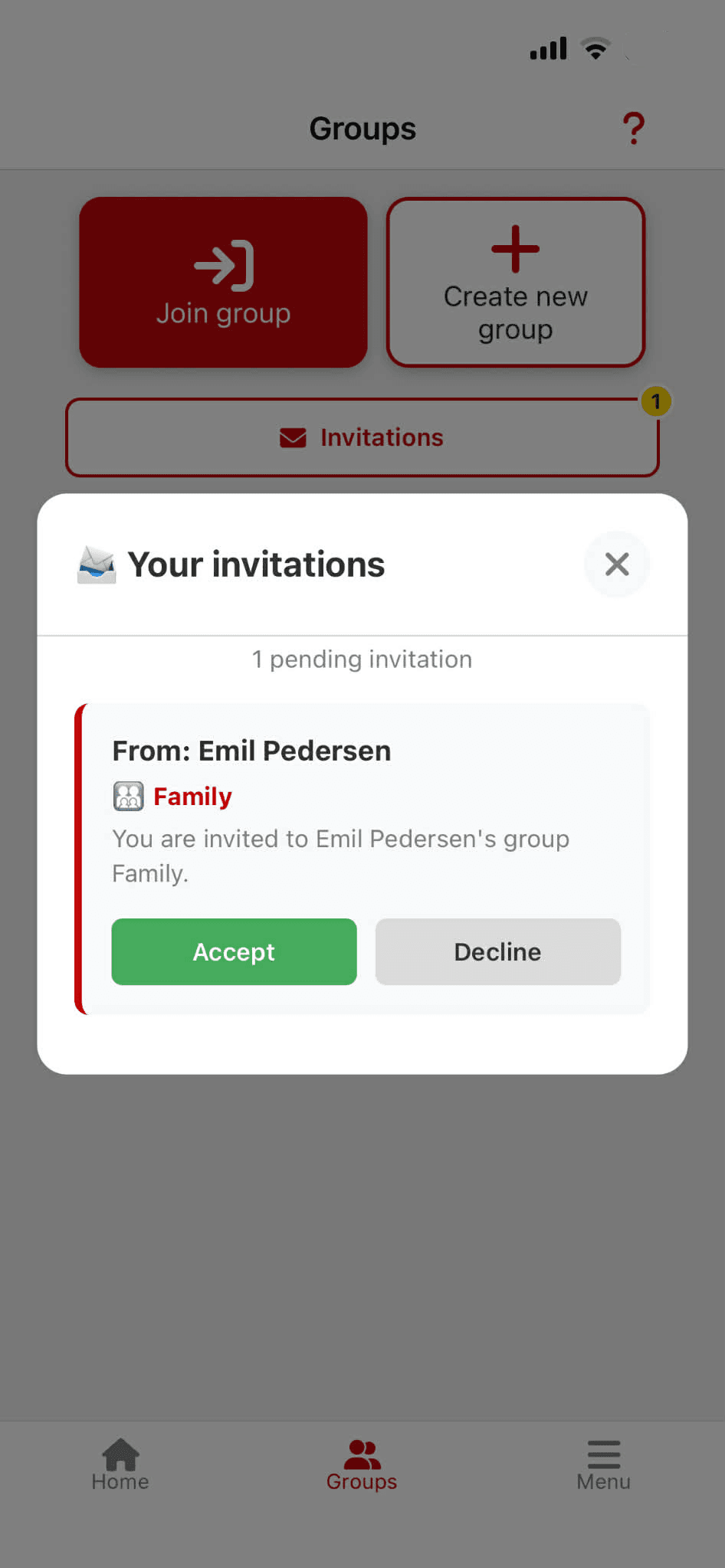
Invitation is accepted
Then you're connected in the network
How to connect your safety button
Remember to turn on Bluetooth on your phone before you start – the safety button connects via Bluetooth.
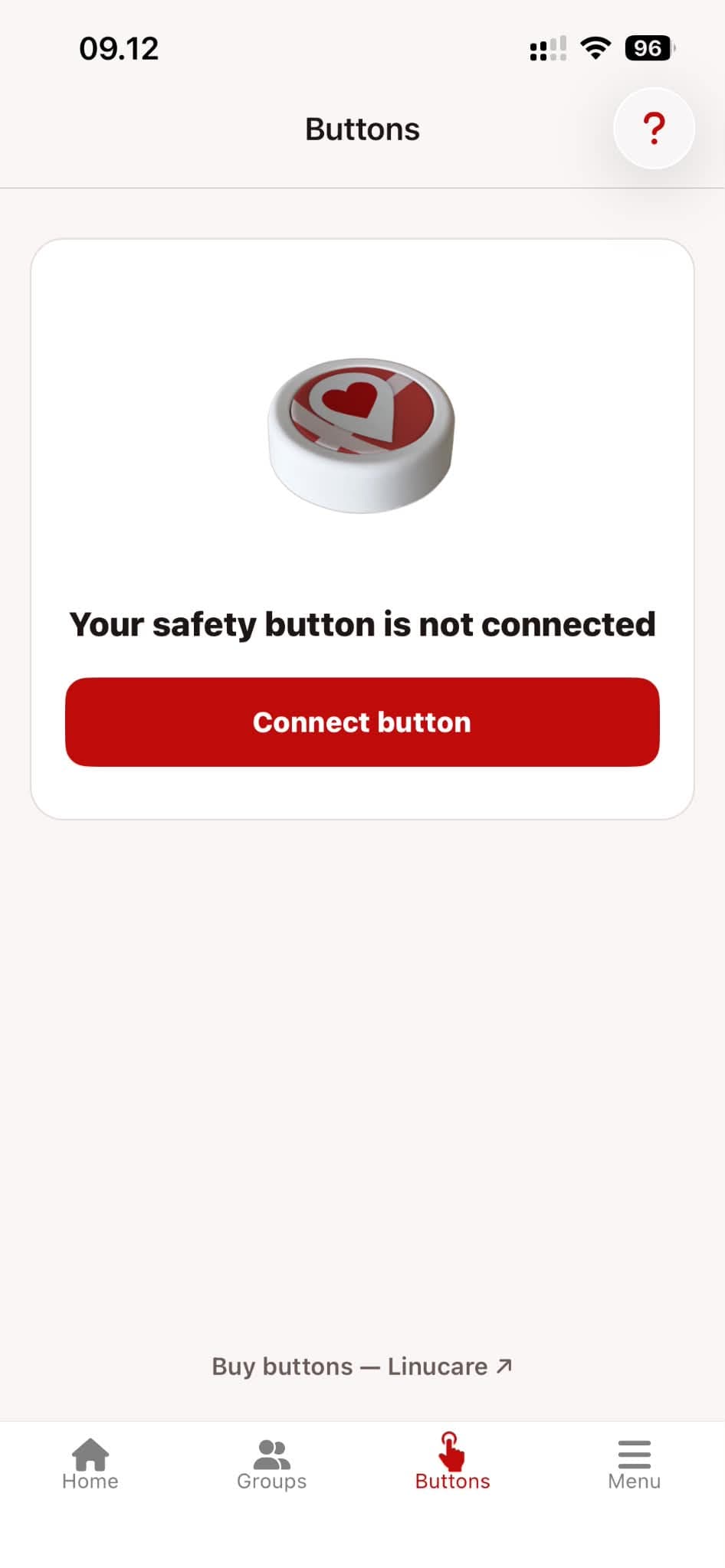
Tap "Connect button"
Find "Buttons" in the menu. Make sure Bluetooth is turned on.
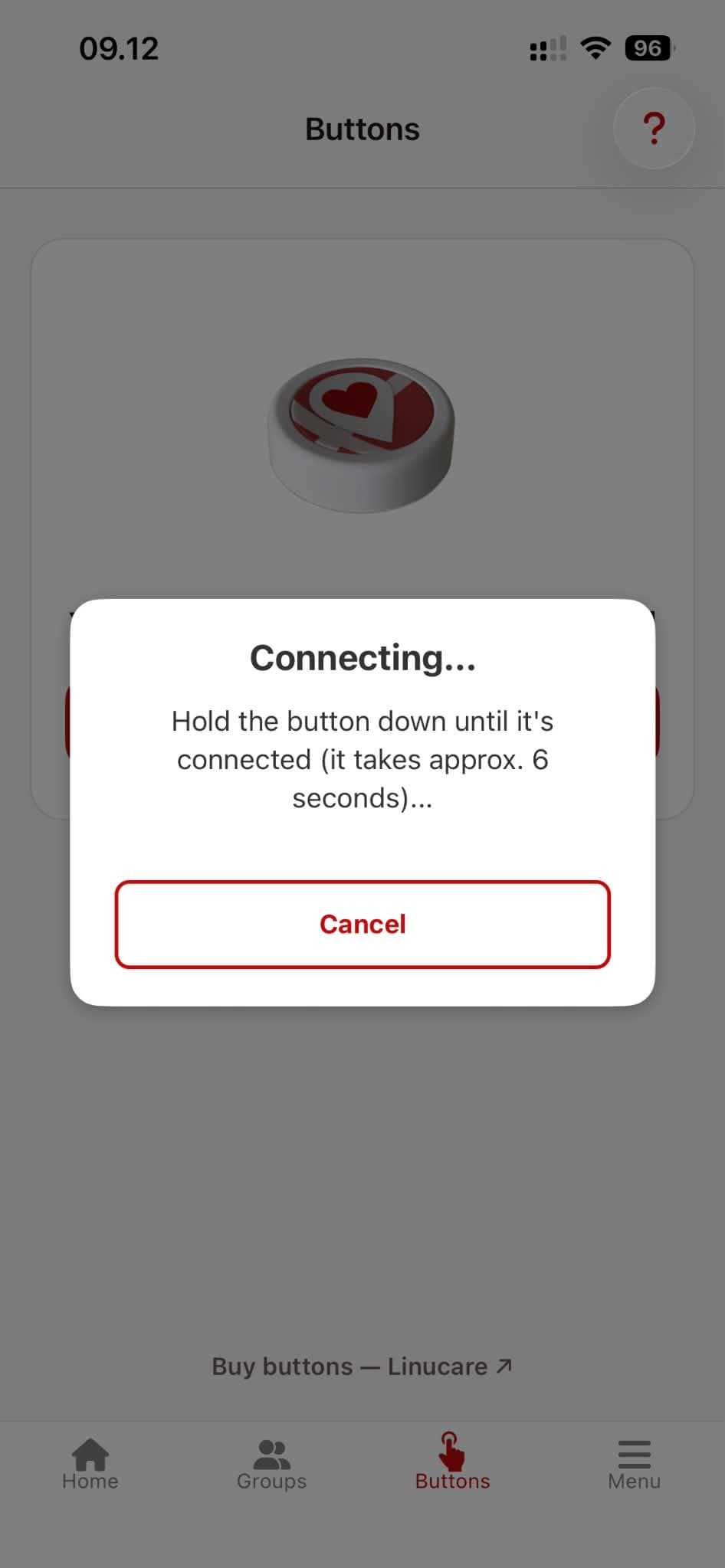
Hold the button down
Press and hold the safety button for approx. 6 seconds until it is connected.
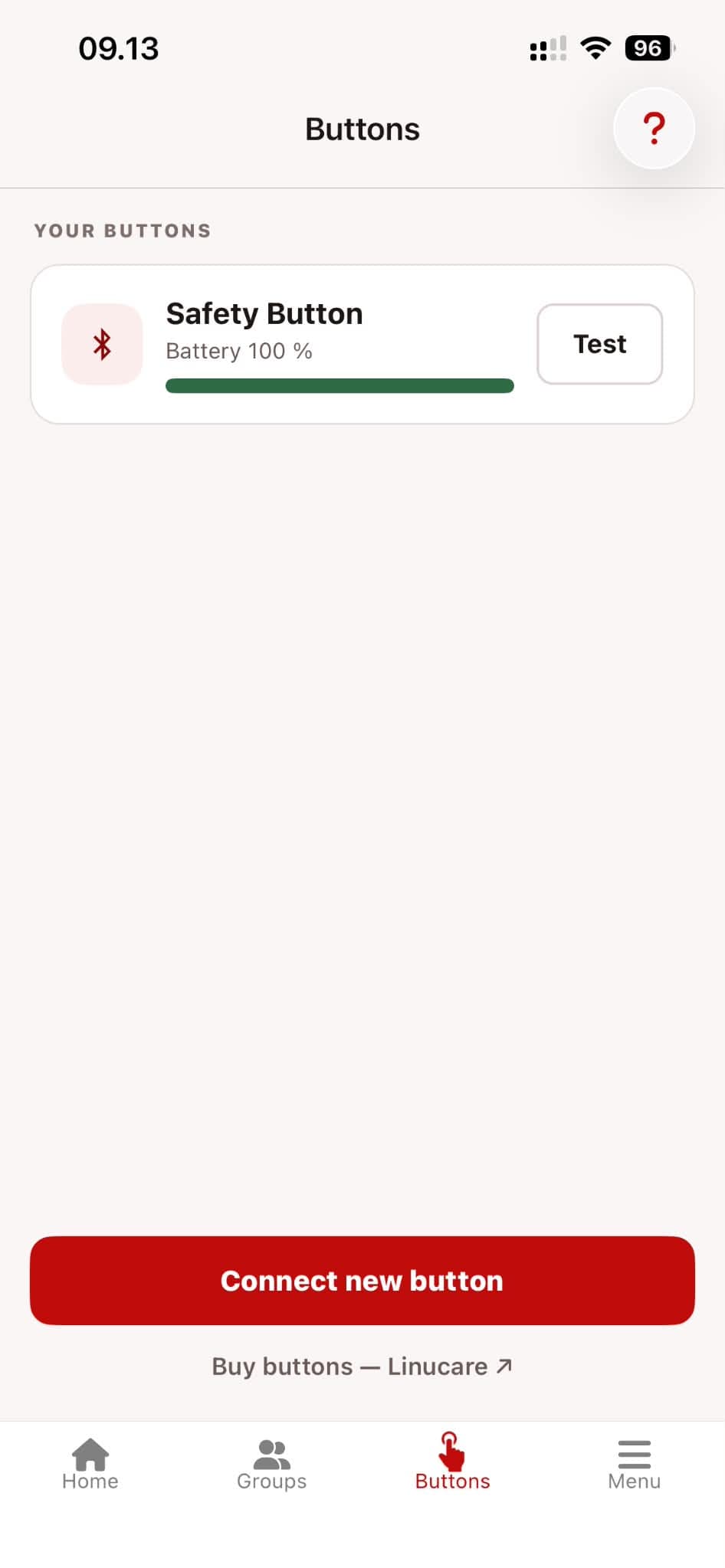
Your button is connected
It now appears under "Your buttons". Tap "Test" to check that it works.
More Resources

How to join a group
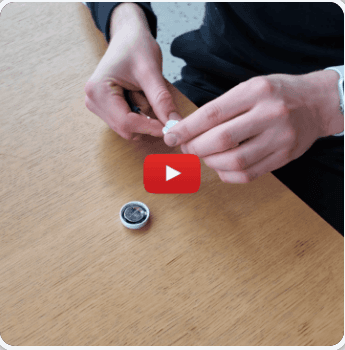
How to change the battery
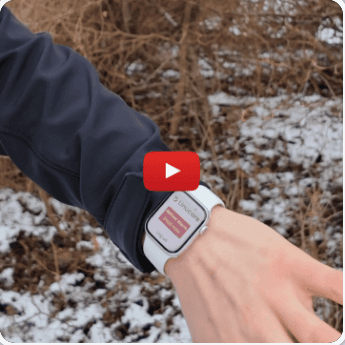
Linucare on Apple Watch
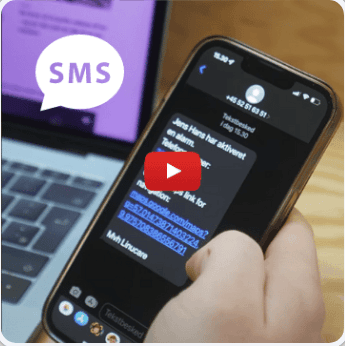
NEW: Receive alarm via SMS
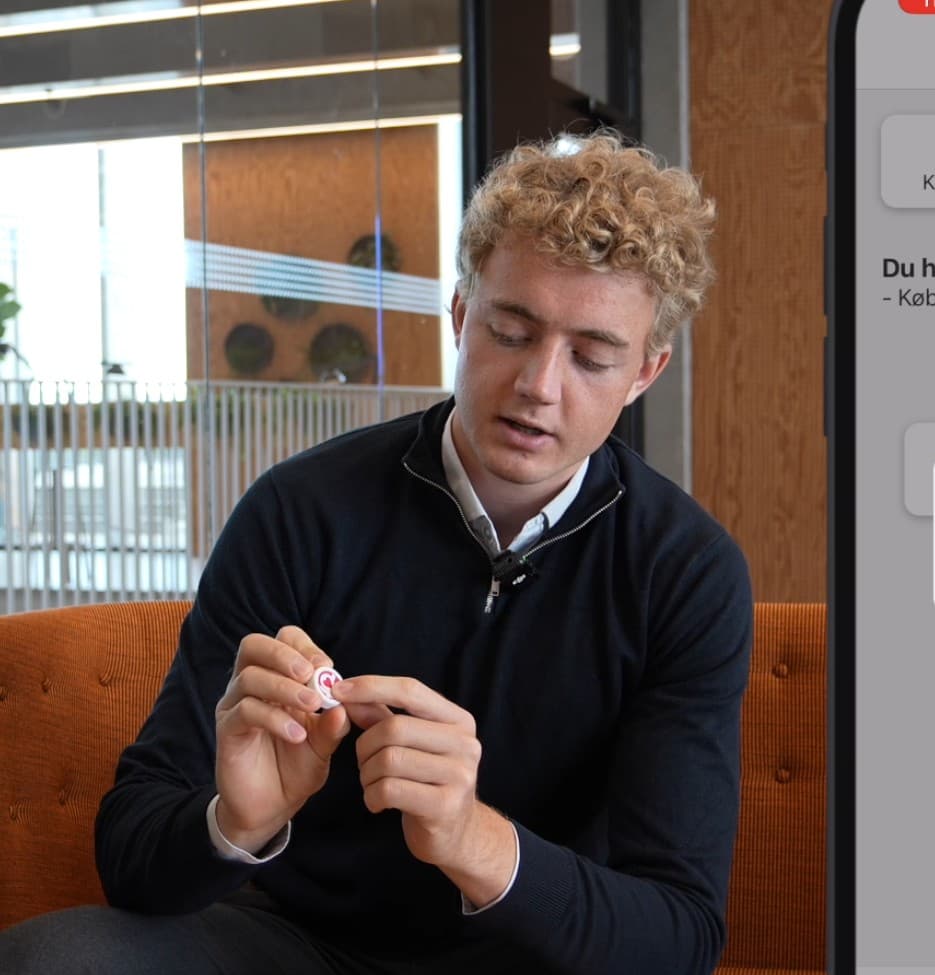
Complete feature guide
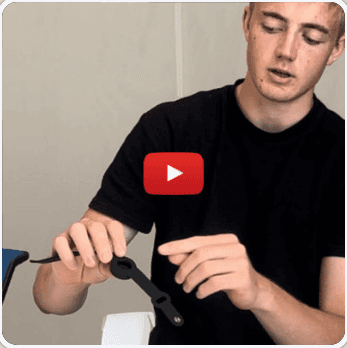
Wristband – how to use
Need help?
We are ready to guide you. Contact us directly if you have questions about setting up or using your system.
Contact Us