Get in Touch

Have questions about our safety solutions? We are here to help.
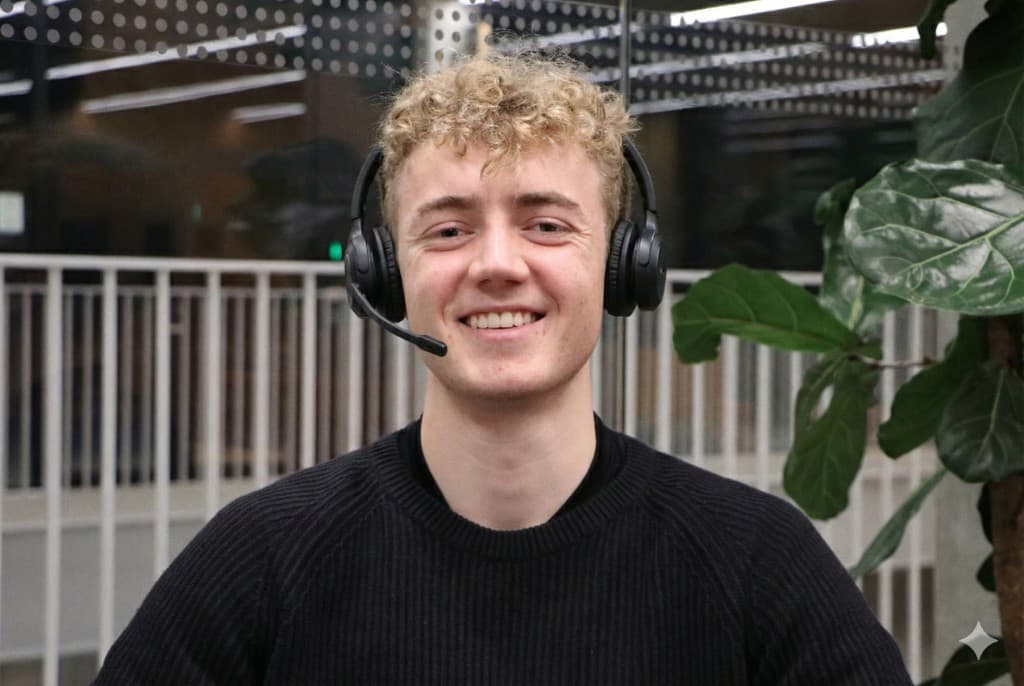
Nicklas Lynge

Nicklas Lynge

Founder & CEO

You can always reach us by email and phone. We aim to reply to all inquiries via email and the contact form within 24 hours. If you need quick help, you can also find answers to the most frequently asked questions in our FAQ below.

Contact Information

Address

Linucare ApS Beddingen 9, 6. 5 9000 Aalborg, Denmark

Customer Service (Private)

Monday – Friday: 09:00 – 17:00

Business & Support

Every day: 08:00 – 21:00

Send Us a Message

Get answers to your questions about safety

Get started with Linucare

Once the Linucare app is downloaded, 'Get started' is selected, after which the system guides through a simple profile setup. The user is then ready to join the network.
Under 'Groups' in the main menu, 'Create new group' is selected. The group is named as needed, e.g. 'Family' or 'Residence', so helpers are organised correctly.
In the selected group, 'Invite' is clicked. The displayed group code is entered by the new member under 'Join group', after which they immediately appear in the overview.
No, recipients can download the Linucare app free of charge and receive all alarms at no cost.

Advanced features

Yes, under 'Groups' an order (priority) can be set up. If no one in the first group responds within 30 seconds, the alarm is automatically passed on to the next.
The Linucare app can be installed directly on Apple Watch, making it possible to trigger the alarm from the wrist without taking out the phone.
The button sends its signal to the device it was last actively connected to. When switching device, Bluetooth is briefly turned off on the previous phone.

Using the safety button

Under the 'Buttons' menu, 'Connect Button' is selected, after which the guide pairs the device via Bluetooth. The connection is easily tested with a single press, which triggers a notification on the phone.
In an emergency, an alarm is sent to the network by pressing the button twice quickly. With just a single press, a discreet low-priority message is sent.
With a single press, the LED shows status: green means connected, yellow indicates the phone should be checked, and red means the button has never been connected.
The button provides reliable security for up to 3 years without charging and has a Bluetooth range of approximately 50 metres from your phone.
The button is water-resistant and, together with the sealed strap, can be worn safely during hand washing and showering.

Why Choose Linucare?

Your Own Network

Help comes from people you know and trust. This ensures the fastest and most personal assistance.

Proven Safety

Trusted by over 2,000 users and 100 businesses. A reliable solution that works when it matters.

Personal Support

We are ready to help you. Get direct advice on everything from setup to everyday use of your system.

Linucare - Get in Touch