Personal Safety Alarms for the Elderly: The 3 Types on the Market
Smartwatch, 4G alarm or Bluetooth button? A short guide to battery, subscription and where help actually comes from.

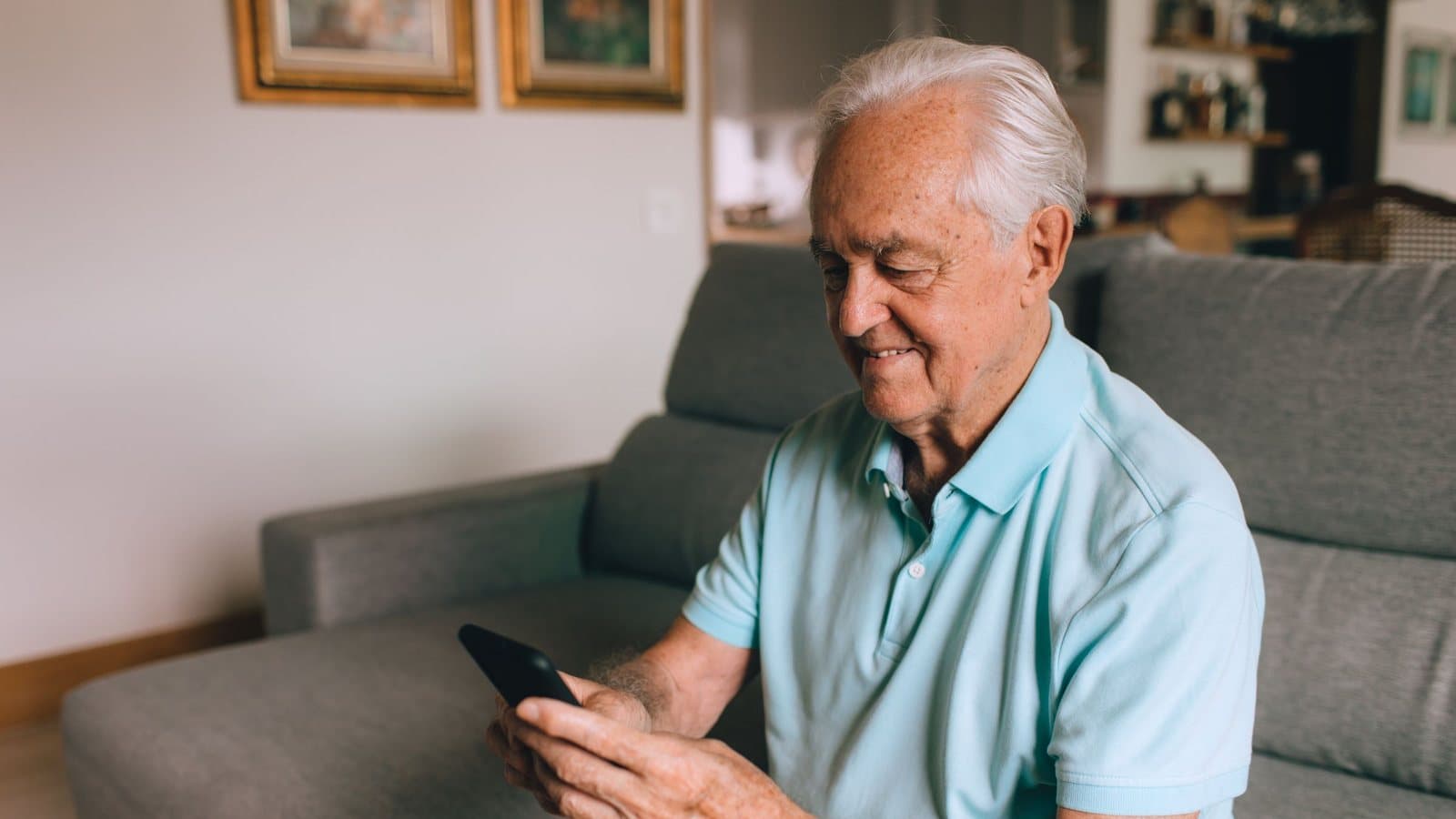
Searching for a personal safety alarm for an elderly parent quickly drowns you in brands and spec sheets. There are really only three core types on the market, and the difference between them decides battery life, subscription cost and where help comes from.
1. The classic 4G alarm (watch or pendant)
A dedicated emergency device with a built-in SIM card. It usually calls a staffed monitoring centre that assesses the situation and dispatches help.
Typical: rechargeable battery, monthly subscription incl. SIM and monitoring, the alarm goes to the monitoring centre.
2. Smartwatch-based alarms
A standard smartwatch (for example an Apple Watch) with an alarm app. The watch sends the alarm via its own cellular connection or the paired phone.
Typical: rechargeable battery, a watch with its own mobile subscription or a paired phone.
3. The Bluetooth safety button
A small physical button on a keyring, lanyard or wristband. It is paired with a smartphone the user carries or that sits at home, and sends the alarm directly to relatives.
Typical: battery up to 3 years (coin cell), one subscription per user (relatives join for free), alarm reaches relatives directly.
The 3 alarm types – at a glance
4G alarm (watch or pendant)
- Battery
- Rechargeable battery
- Subscription
- Monthly subscription incl. SIM and monitoring
- Who helps
- Monitoring centre assesses and dispatches help
Smartwatch with alarm app
- Battery
- Rechargeable battery
- Subscription
- Watch with its own mobile subscription or a paired phone
- Who helps
- Depends on the watch and the app
Bluetooth safety button
- Battery
- Up to 3 years
- Subscription
- One subscription per user, relatives join for free
- Who helps
- The relatives you have chosen yourself
The key difference: where does help come from?
The 4G alarm (type 1) is built around a monitoring centre and works anywhere with mobile coverage. An operator assesses the situation and calls relatives or an ambulance.
The Bluetooth button (type 3) is built around relationships. It needs the smartphone nearby, but the battery lasts for years, and the alert goes straight to the family.
Which type fits your situation?
- Lives alone with no family nearby: a 4G alarm with a monitoring centre is usually the most robust option.
- Active elder, comfortable with tech: a smartwatch can work, but needs charging.
- Lives with or near relatives: a Bluetooth button is simpler and more personal, with no daily upkeep.
At Linucare we have chosen the Bluetooth path. Not because it suits everyone, but because it solves what most families need: one press that reaches the people they know. You choose who receives the alert.
Frequently asked questions about personal safety alarms for the elderly
What is the difference between an alarm with a monitoring centre and one that alerts relatives?
Who receives the alert. With a monitoring centre, an operator assesses the situation and calls for help. With an alarm that alerts relatives, the alert goes straight to the people the family has chosen, with Linucare in the app with a live GPS position.
Which personal safety alarm for the elderly has a battery that lasts for years?
The Bluetooth button: Linucare's button has a replaceable CR2032 battery with a life of up to 3 years. 4G alarms and smartwatches need charging.
Can a personal safety alarm for the elderly be used outside the home?
A 4G alarm works anywhere with mobile coverage. Linucare's Bluetooth button works wherever the paired phone is within up to 50 metres, so the phone goes along in a pocket. The app works with wifi or 4G.